Kanopy Help
Managing email notifications
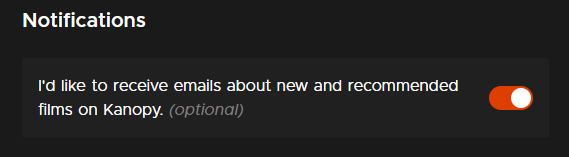
On the Kanopy website, you can subscribe to email updates that highlight new and recommended films on Kanopy.
- Log in to Kanopy in a browser.
- Select the menu button
 in the top-right corner.
 - Select My Account.
- Under "Notifications" select the toggle next to "I'd like to receive emails about new and recommended films on Kanopy."
You can toggle this setting off at any time to unsubscribe.