Kanopy Help
Using picture-in-picture
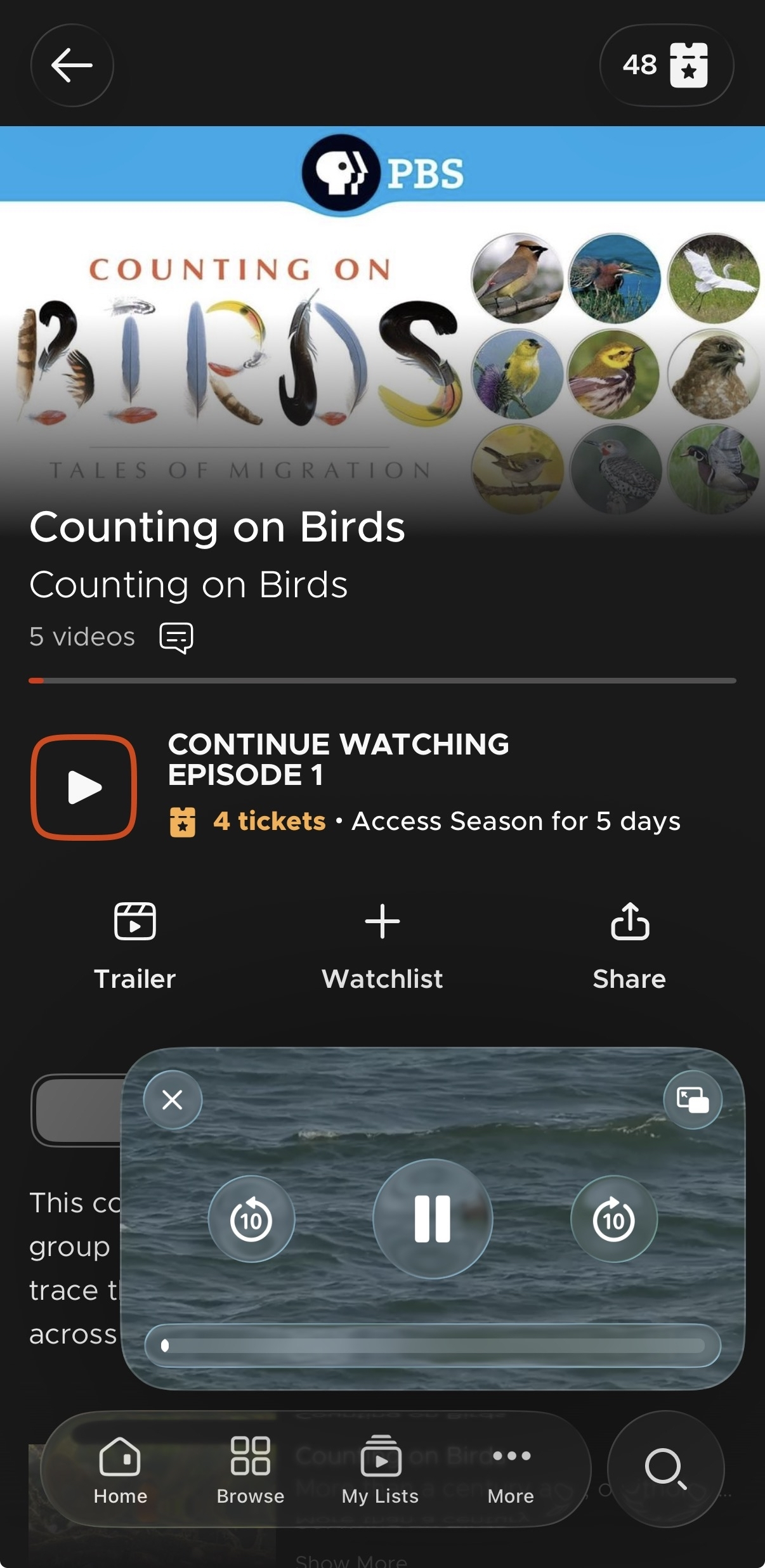
With the Kanopy mobile app or kanopy.com on a computer, you can watch Kanopy in a picture-in-picture window by selecting the picture-in-picture icon ( ) in the video player. The picture-in-picture player varies slightly by device and web browser, but they all work similarly.
- In any picture in picture player, you can play or pause the video, skip forwards or backwards a few seconds, close the window by selecting X, or return the player to fullscreen.
- Select and hold the picture-in-picture window to drag it to another part of the screen.
- On a computer, click and drag the edge of the player to expand it.
- On iOS, you can use picture-in-picture while browsing titles in the Kanopy app.
- On Android, starting picture-in-picture minimizes Kanopy. Opening Kanopy returns the video to fullscreen. In other words, you can't browse the app while using picture-in-picture.