Kanopy Help
Sharing film links
Website
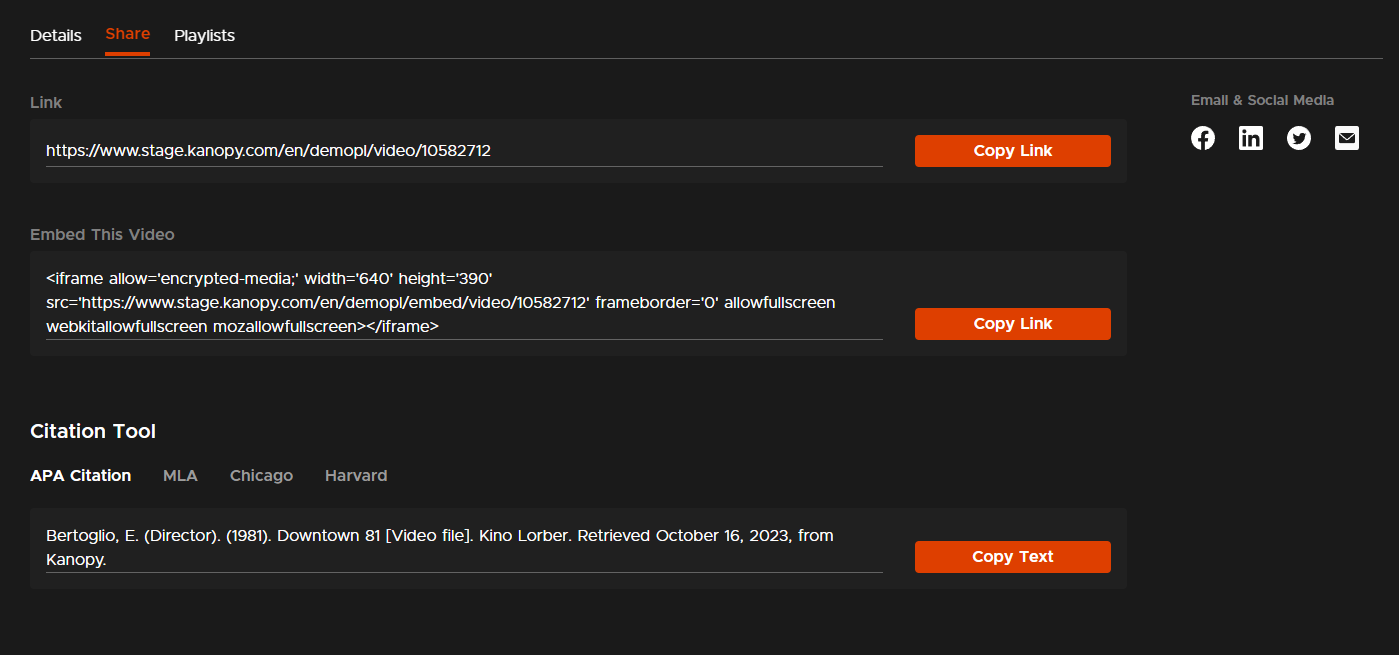
To share a film on the Kanopy website, go to the title's details page and select the Share tab. You'll see three options for sharing the video.
- Link: Copy a link to the title details page. Select Copy Link to copy the link to your clipboard or select an "Email & Social Media" option to share the link that way.
- Embed This Video: Generate a link for embedding a video on another website where HTML is supported (e.g., a personal website or a learning management system). Select Copy Link to copy the link to your clipboard. To watch the embedded video, the viewer will need to enter their Kanopy credentials for your library or institution.
Note: If you use Kanopy with a public library, watching a film through an embedded link uses the normal number of tickets. - Citation Tool: Cite a video in APA, Chicago, or MLA style. Select your preferred citation style, then select Copy Text to copy the citation to your clipboard.
Mobile app
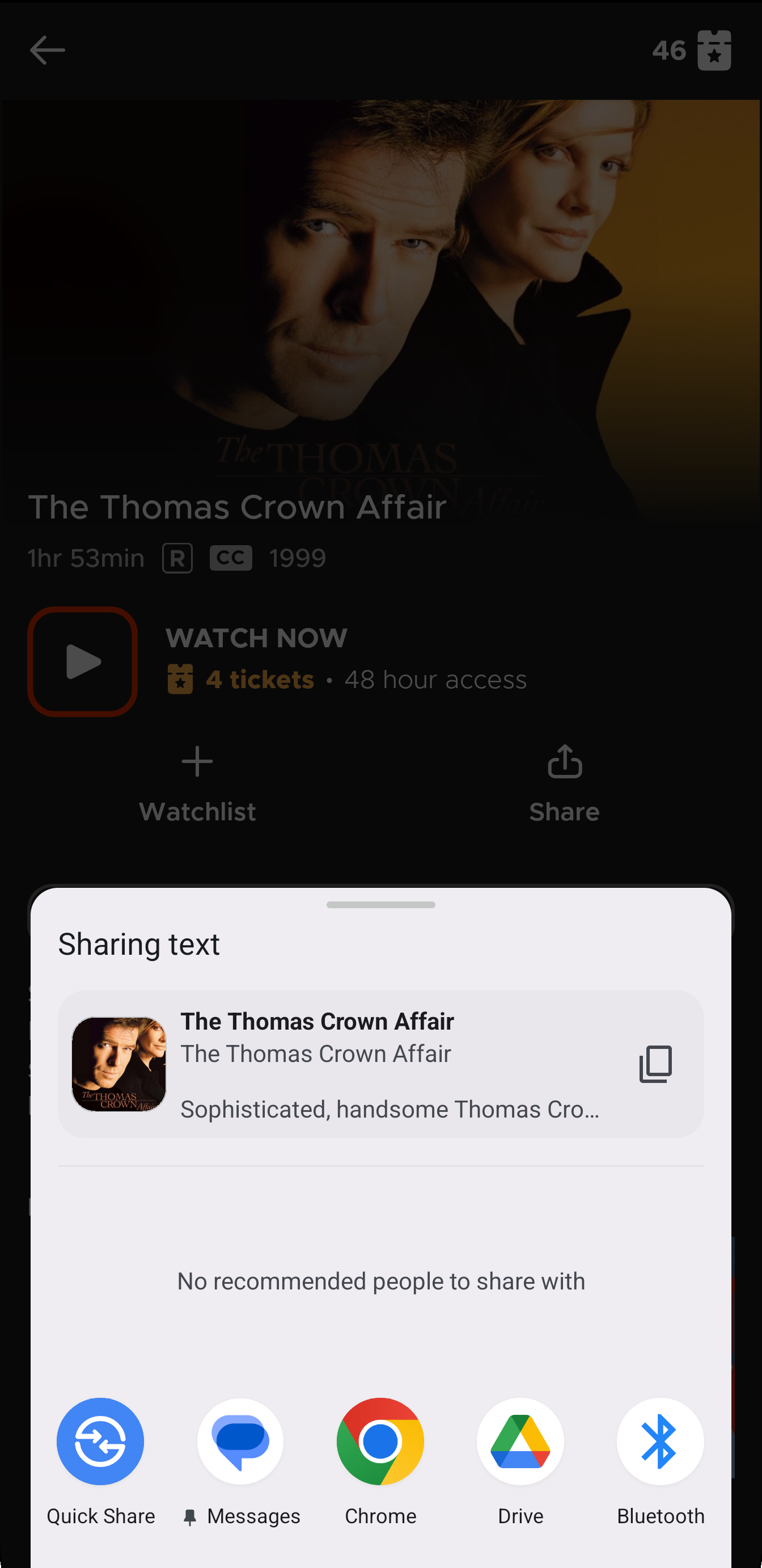
In the Kanopy mobile app, go to the title's details page and tap Share to share the link using your device's share options.